How I'm Alive Works
A simple daily routine that takes 5 seconds and gives you and your family complete peace of mind.
Download & Open
Download the free app from App Store or Google Play. No account needed — just open the app and you're ready to go.

Set Your Check-in Time
Choose when you want to check in each day. Morning works great for most people, but pick whatever fits your routine.

Add Emergency Contact
Enter the email of one trusted person. On Protect Me they're notified if you miss a check-in and receive an email alert — no app needed on their end.
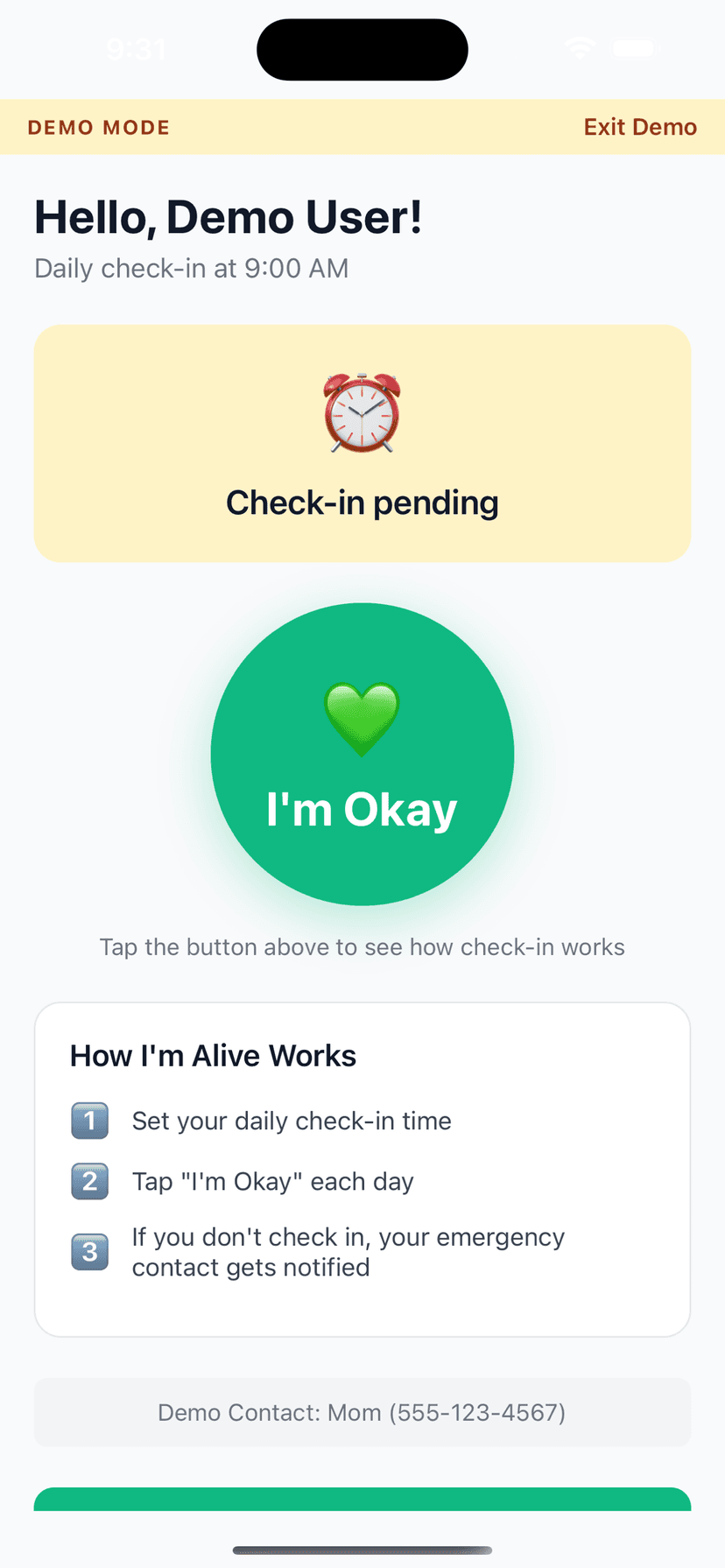
Tap 'I'm Okay' Daily
At your check-in time, you'll get a reminder. Open the app and tap the big green button. That's it—you're done for the day!
Automatic Alerts If Missed
On Protect Me, if you miss your check-in after multiple reminders, your emergency contact is automatically notified so they can check on you. (On Free, reminders go to you only.)

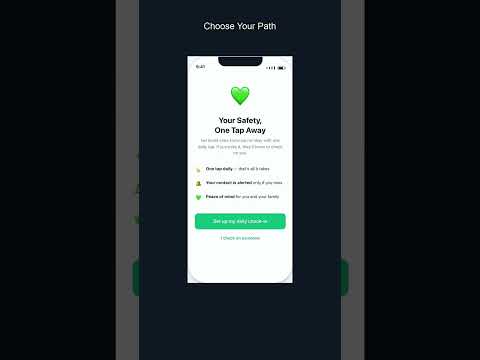
Watch It in Action
See how a daily check-in works — it takes just 5 seconds.
What Happens If You Miss a Check-in?
With Protect Me, we give you multiple chances before alerting your contact. On Free, reminders go to you only; Lifetime adds a daily 'all good' note to one contact (neither alerts a contact on a missed check-in).
You get a gentle reminder
Second reminder
You AND your contact are notified (Protect Me)
URGENT alert to your contact (Protect Me)
Frequently Asked Questions
- Is I'm Alive a crisis line or suicide-prevention service?
- No. I'm Alive is a daily check-in safety app that alerts an emergency contact if you miss your check-in — it is not a crisis hotline and is not affiliated with imalive.org. If you or someone you know is in crisis, contact 988 (US Suicide & Crisis Lifeline), Samaritans 116 123 (UK), or Lifeline 13 11 14 (AU).
- What happens if I miss a check-in?
- You get up to 3 escalating reminders first, so a silenced phone or a busy morning never triggers a false alarm. On Protect Me and above, if all reminders go unanswered, I'm Alive automatically alerts your emergency contact to suggest a welfare check. (On the Free plan, reminders go to you only.)
- Is I'm Alive free, and what do the paid plans add?
- The daily check-in is free forever — no signup, no card, no hardware — and you get reminders to check in. Every plan is alert-only by default: your contact hears from us only if you go silent. Try It includes one alert a month; Protect Me ($29.99/yr) alerts up to 10 contacts with SMS and full graded escalation; Protect Me On The Move ($39.99/yr) adds an AI voice agent that calls you if you miss a check-in plus opt-in emergency-only location (auto-deleted after 72 hours). Stay Connected & Travel Safely ($4.99 one-time) adds custom check-in times, notes, and an optional daily 'all good' note (opt-in) to one contact.
Get Started in 2 Minutes
Download I'm Alive today and give yourself and your loved ones peace of mind. It's completely free.
Free forever • No credit card required • iOS & Android