Daily Check-in App for Night Shift Workers
Working while the world sleeps? Check in after your shift so your family knows you made it home safe.
Free forever • No credit card • iOS & Android
The Problem
Sound familiar? You're not alone.
Getting home at 3 AM when everyone's asleep
Driving tired after long overnight shifts
No one notices if you don't make it home
Fatigue-related incidents on the commute home from a night shift are a serious and underappreciated risk
How I'm Alive Solves This
A simple solution that actually works.
Set check-in for any time—6 AM works great for night shift
On Protect Me, family gets alerted if you don't check in after your shift
Works with rotating schedules—change time anytime
Post-commute check-in confirms you arrived home safely after driving tired
How It Works
Three simple steps.
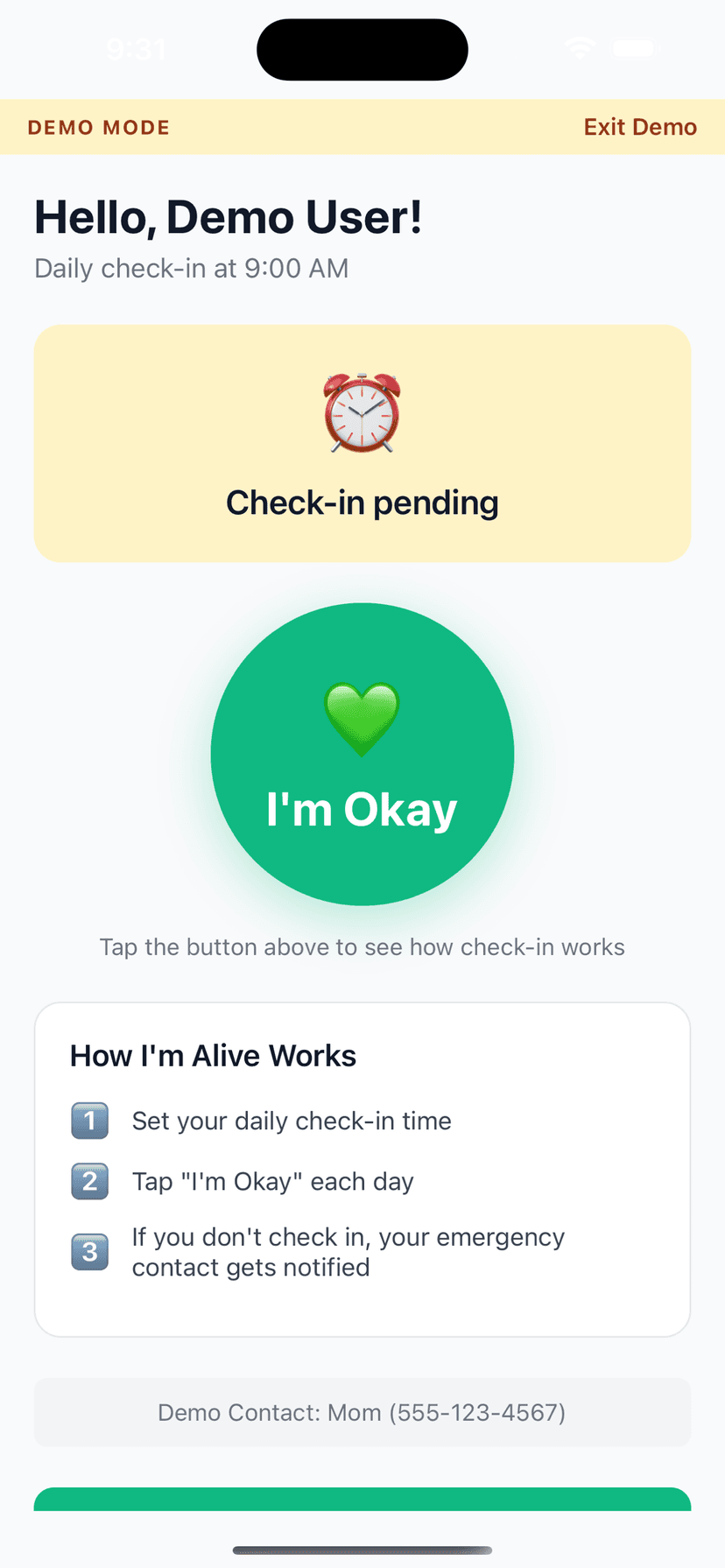
Set Your Time
Choose when to check in each day
Tap I'm Okay
One tap confirms you're safe
Auto-Alert
Miss a check-in? Contact is notified
Features
One-Tap Check-In
Large, easy button - done in seconds
Customizable Schedule
Set your perfect check-in time
Smart Alerts (Protect Me)
Escalating notifications to your contacts if you miss a check-in
Check-In Notes
Add context like 'Going hiking today'
History Tracking
See all your past check-ins
Free to Start
Daily self check-in and reminders are always free; add Protect Me for contact alerting
Frequently Asked Questions
Can I set a 6 AM check-in time?
Yes! Set any time that works. Many night shift workers set it for when they typically get home and settled.
What if I work rotating shifts?
You can change your check-in time anytime in settings. Adjust it weekly if needed.
My family sleeps when I get home. How does this help?
They don't need to be awake. If you check in, nothing happens. If you don't, on Protect Me they get a notification that wakes them if needed.
What industries is this good for?
Healthcare workers, IT/BPO, security guards, warehouse workers, factory workers, data center techs—anyone working overnight.
I work back-to-back night shifts. Will the reminders adjust if I sleep during the day?
Set your check-in for whenever you normally get home and settled after your shift. The app sends reminders at that time regardless of whether it is day or night. You can change the time whenever your shift pattern changes.
Explore More Guides
Popular Use Cases
Compare Solutions
Browse Categories
Get Started in 2 Minutes
Download I'm Alive today and give yourself and your loved ones peace of mind. It's completely free.
Free forever • No credit card required • iOS & Android