What to Do If Parent Refuses Help
They say they're fine. You know they need support. A daily check-in is the compromise that works for both of you. When a parent insists they are fine and rejects every kind of help, you are stuck between respecting their independence and fearing what happens if you do nothing.
Free forever • No credit card • iOS & Android
The Problem
Sound familiar? You're not alone.
They insist they don't need help and reject every suggestion
Arguments about care are damaging your relationship
You're afraid something will happen before they accept support
Previous attempts to introduce safety measures like medical alert buttons or cameras were met with anger and refusal
How I'm Alive Solves This
A simple solution that actually works.
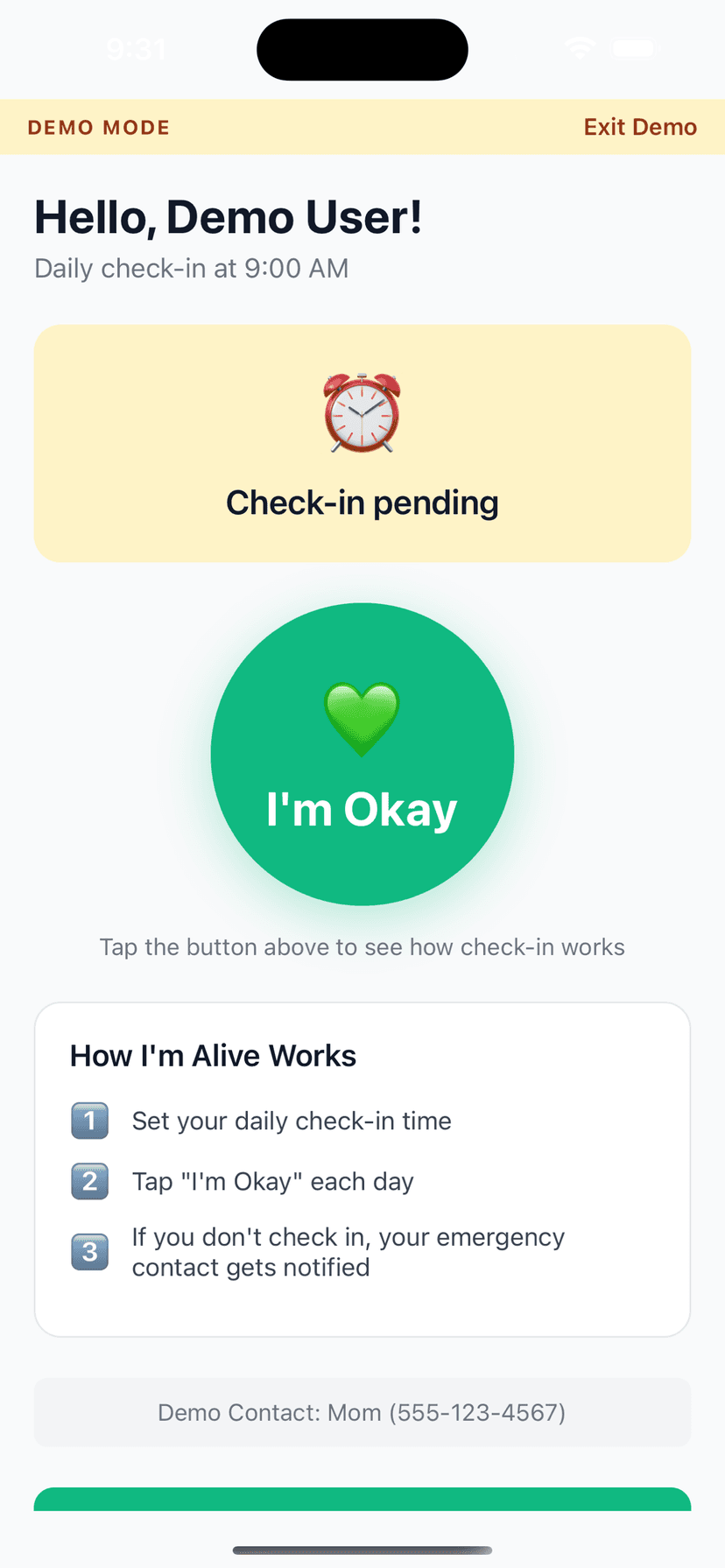
A single daily tap feels like independence, not surveillance
Positions you as respecting their autonomy while staying informed
Opens the door to more support later by building trust now
I'm Alive is the least invasive safety tool available, making it the ideal first step for parents who have rejected every other form of help
How It Works
Three simple steps.
Set Your Time
Choose when to check in each day
Tap I'm Okay
One tap confirms you're safe
Auto-Alert
Miss a check-in? Contact is notified
Features
One-Tap Check-In
Large, easy button - done in seconds
Customizable Schedule
Set your perfect check-in time
Smart Alerts (Protect Me)
Escalating notifications to your contacts if you miss a check-in
Check-In Notes
Add context like 'Going hiking today'
History Tracking
See all your past check-ins
Free to Start
Daily self check-in and reminders are always free; add Protect Me for contact alerting
Frequently Asked Questions
They refuse everything I suggest. Why would they do this?
Because it's not 'help'—it's a simple button tap. Frame it as something YOU need to stop worrying. Most parents will do it for their child's peace of mind.
Won't they see this as me trying to control them?
The opposite. You're saying 'I trust you to live independently, I just want a quick daily signal.' It respects their autonomy completely.
What if they refuse even this?
Start by asking them to try it for one week. Low commitment reduces resistance. Once they see how simple it is, most continue voluntarily.
Should I involve their doctor in the conversation?
Sometimes a doctor's suggestion carries more weight. Ask their physician to recommend daily wellness check-ins as part of their care plan.
They threw away the medical alert pendant I bought them. Why would this be different?
Medical alert pendants feel medical and stigmatizing. They broadcast vulnerability. I'm Alive is invisible to everyone except them and you. There is no device to wear, no button hanging around their neck, and no reminder that they are aging. It lives quietly on their phone and takes three seconds a day. That is why stubborn parents accept it when they reject everything else. The reason a daily check-in so often succeeds where other help is refused is that it asks for almost nothing and takes nothing away: it is one tap a day, framed as something that helps you worry less rather than something that signals they cannot cope. With I'm Alive, your parent confirms once a day that they are okay, and if they miss it you are alerted so you can respond. Crucially, it is a check-in and not a location tracker, so it does not watch where they go or feel like surveillance; any location is shared only during an emergency and deleted after 72 hours, which is often the reassurance a proud, independent parent needs to hear. Ask them to try it for one week as a favour to you, keep the setup entirely on their phone so it is invisible to visitors, and let its ease do the convincing. Many parents who reject pendants and cameras accept this precisely because it respects their autonomy.
Explore More Guides
Popular Use Cases
Compare Solutions
Browse Categories
Get Started in 2 Minutes
Download I'm Alive today and give yourself and your loved ones peace of mind. It's completely free.
Free forever • No credit card required • iOS & Android