Daily Check-in App for Seasonal Workers
Months away from home doing seasonal work. A daily check-in bridges the distance and keeps your family connected to your safety.
Free forever • No credit card • iOS & Android
The Problem
Sound familiar? You're not alone.
Months away from home in unfamiliar locations for seasonal employment
Physically demanding work in agriculture, fishing, or tourism with injury risks
Limited communication infrastructure in rural or remote work sites
Seasonal work contracts leave you with no employer safety net or benefits during the job
How I'm Alive Solves This
A simple solution that actually works.
Daily check-in keeps family connected across the entire season
Works on basic internet—even a shared WiFi at worker housing is enough
Free for the entire season—no subscription during months of work
No setup complexity—download the app, enter your email, and you are ready to go within minutes
How It Works
Three simple steps.
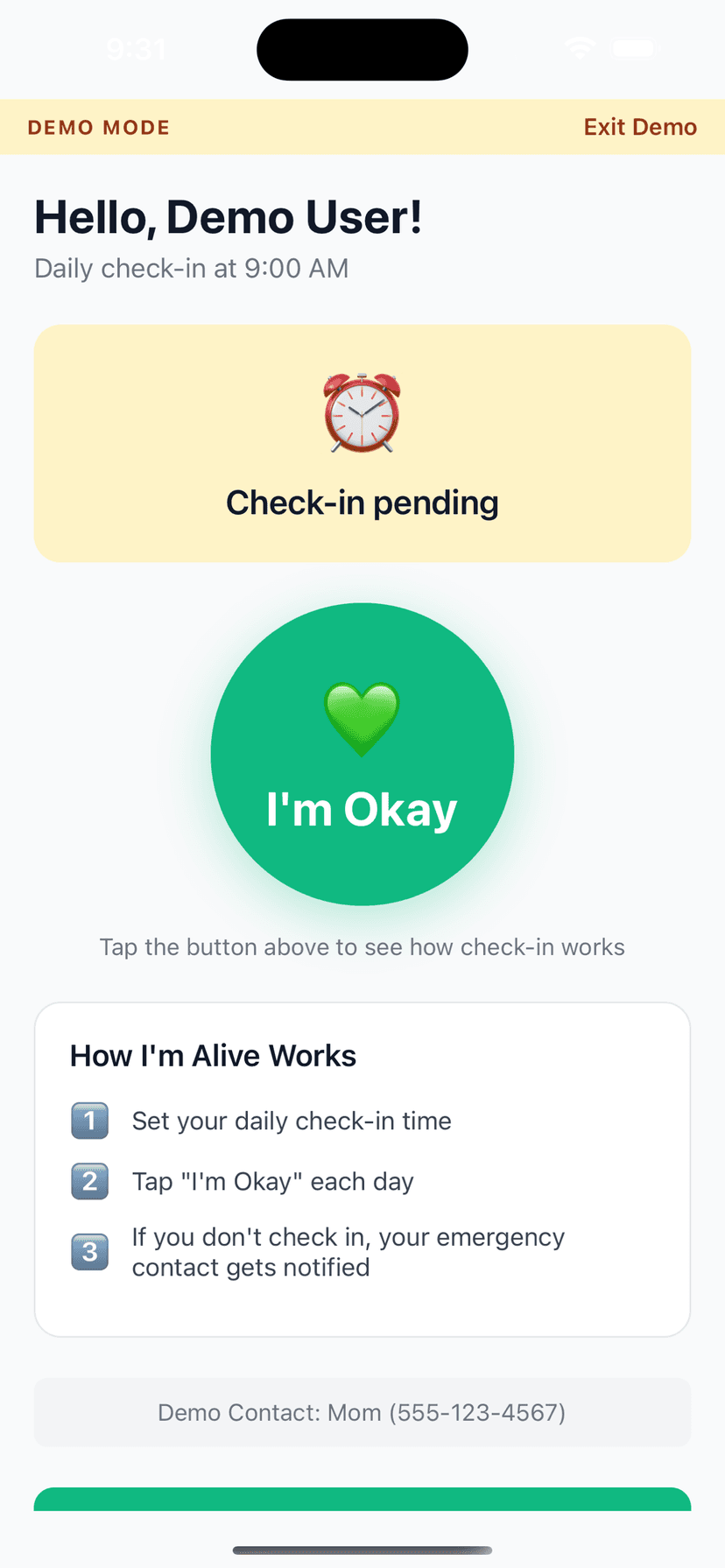
Set Your Time
Choose when to check in each day
Tap I'm Okay
One tap confirms you're safe
Auto-Alert
Miss a check-in? Contact is notified
Features
One-Tap Check-In
Large, easy button - done in seconds
Customizable Schedule
Set your perfect check-in time
Smart Alerts (Protect Me)
Escalating notifications to your contacts if you miss a check-in
Check-In Notes
Add context like 'Going hiking today'
History Tracking
See all your past check-ins
Free to Start
Daily self check-in and reminders are always free; add Protect Me for contact alerting
Frequently Asked Questions
I work on a farm with no cell service during the day. Can I still use this?
Set your check-in for evening when you're back at housing with WiFi. The app only needs internet for the brief check-in moment.
Does this work for H-2A or H-2B visa workers?
Yes. It works for anyone with a smartphone and internet access, regardless of visa type or work authorization status.
I send money home but my family still worries. Will this help?
Absolutely. Money transfers confirm you're working, but a daily check-in confirms you're safe. Both matter to families.
What if several workers want to use it in shared housing?
Each worker creates their own account with their own email. Multiple workers can use the app independently on their own phones.
I only do seasonal work for four months a year. Can I stop and start the app?
Yes. Use it during your work season and ignore it when you are home with family. There is no subscription to cancel and no penalty for not using it. Just open the app again next season.
Can I use it only during my work season and stop when I'm home?
Yes. Use it during the months you are away for seasonal work, then simply stop when you return home to family. There is no subscription to cancel on the free plan and no penalty for pausing, so you can pick it up again next season. Many seasonal workers use it exactly this way, treating it as a safety net for the stretches when they are far from home and starting it fresh each year.
What if several workers share accommodation and one device or network?
Each worker should create their own account with their own email address so their check-in is tied to them personally, even if you share a wifi network in worker housing. Shared internet is fine because the check-in needs only a brief connection. If you genuinely share a single phone, it is best for each person to have their own device, but at minimum keep separate accounts so alerts reach the right family.
Explore More Guides
Popular Use Cases
Compare Solutions
Browse Categories
Get Started in 2 Minutes
Download I'm Alive today and give yourself and your loved ones peace of mind. It's completely free.
Free forever • No credit card required • iOS & Android